August was a busy month (pun very much intended).
We launched Bizy, your new recognition sidekick. Bizy’s whole job is to make sure good work doesn't slip by unnoticed. If you haven’t had a chance to try Bizy out just yet, here are some tips on how to get started.
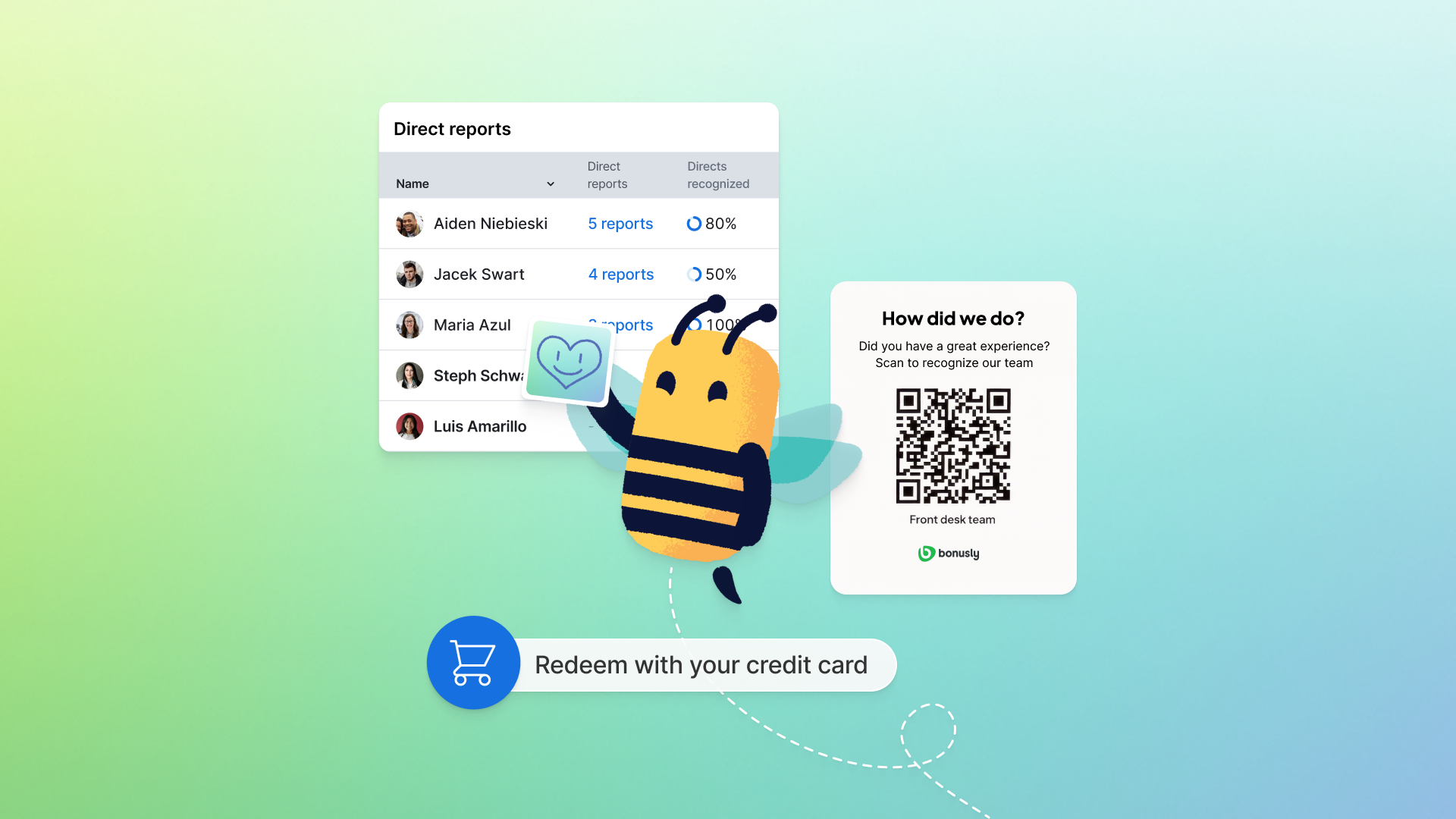
But Bizy wasn't the only thing that shipped. We're also excited about a new way for customers and guests to leave recognition without a Bonusly login, a much deeper view into recognition across your whole reporting tree, and more flexible credit card top-ups for redemptions.
All that, plus a host of other improvements worth having on your radar. Here's a deeper dive on everything we launched this August.
Bizy is officially live
If you've been following along, you already know the pitch: Bizy notices the good work happening across your team, helps you give better recognition, more often, and keeps you one step ahead of team engagement.
In August, that story went from preview to product. Bizy is officially live!
So go play around with it. Ask who to recognize. Get help writing a shout-out that doesn't sound like a basic "thanks.” Poke around and find a feature you haven't tried yet. It's all right there inside Bonusly, waiting for you.
Check out this post on Bizy for admins for everything admins need to roll it out and get the most from it.
External recognition: Bring guests and customers in on the Bonusly fun
Some of your team's best moments happen with people who will never have a Bonusly account.
A guest leaves a kind note for the front desk. A patient family thanks a nurse after a hard shift. A homeowner praises the tech who fixed the AC on the hottest day of the year. That gratitude is real. It usually just doesn't make it into your Bonusly feed.
External recognition changes that. Now, admins can create programs with QR codes and shareable links. Anyone outside your company can scan, write a short message, and submit recognition. No login required.
Nothing posts without admin approval, so open links stay safe while customer and guest praise earns a spot next to peer recognition.
For setup, programs, and review flow, read more here.
Manager drill-down: See recognition across your whole org chart
If you lead people who also lead people, a list of your direct reports doesn’t tell you much. More valuable is being able to see, across your entire org, who's being recognized, who's giving peer-to-peer, and which managers are recognizing their teams effectively.
Our new manager drill-down in the team report of your team hub gives you exactly that. You get an interactive table of your direct reports with recognition activity for the period you choose. Click any manager on your team and drill into their direct reports, all the way down the org chart.
That visibility shows up when it counts, like before a skip-level or talent discussion, or during QBRs or culture strategy convos.
Plus, CSV exports and a benchmark comparison section help you see how your team stacks up against a department or the company. Learn more here.
Credit card top-up: More flexibility for reward redemptions
Our credit card top-up feature lets people pay the difference when a reward costs more than their points balance. In August, we made it more flexible for users and admins.
The big shift? The minimum points percentage to redeem with top-up dropped from 50% to a 10% default. That means that if you have at least 10% of the points a reward requires, you can cover the rest with a personal credit card. Admins can adjust that percentage from the rewards catalog settings to match your company’s policy.
Users can also choose how many points to put toward a reward before topping up the remainder, and several behind-the-scenes limits on charge amounts and frequency were relaxed, too.
You still apply your points first and only pay the gap so you can walk away with the reward you want. Read more here to learn about eligible reward types and admin controls.
More that shipped in August
August wasn't only about headline features. The following releases are also worth having on your radar:
Programs and admin reporting
- Keep your feed organized when incentive claims pile up. Turn on “Collapse incentive claims” in Feature Access to group them into a single carousel in the relevant feeds, instead of a single post per claim.
- Auditing programs or prepping for finance just got faster. Export active, archived, or all awards in one click, with budget used, givers, approval levels, and pending counts included, so there's less copy-paste.
- Self-serve checkout is fully live. From Plans & Billing, teams can upgrade to Team on monthly or annual terms, set seat count, add Bizy, choose a rewards plan, and pay by card without waiting on a sales handoff.
Want to see the rest of what we’ve been building? Reach out to your Bonusly rep today — and be sure to keep an eye on what's new as we ship it.